

Make it yours.
Keep the controls.
A sound, a drawing, a page, a scene. ParamRig turns the properties that matter into controls you can tune, animate and hand back to your coding agent. Open the tool you need, or bring its engine into your own application.
Start with what you want to make.
Each tool opens directly. The application loads its domain when you use it.
Sound
Synthesize sound effects, explore variations in Sound Labs, and keep the patch behind the result.
Explore SoundVector
Draw paths, edit nodes, combine shapes and bind color, geometry and type to controls.
Explore VectorLayout
Build a poster or a visual identity with shared type, spacing and color values. Layout uses the Vector engine.
Explore Layout3D
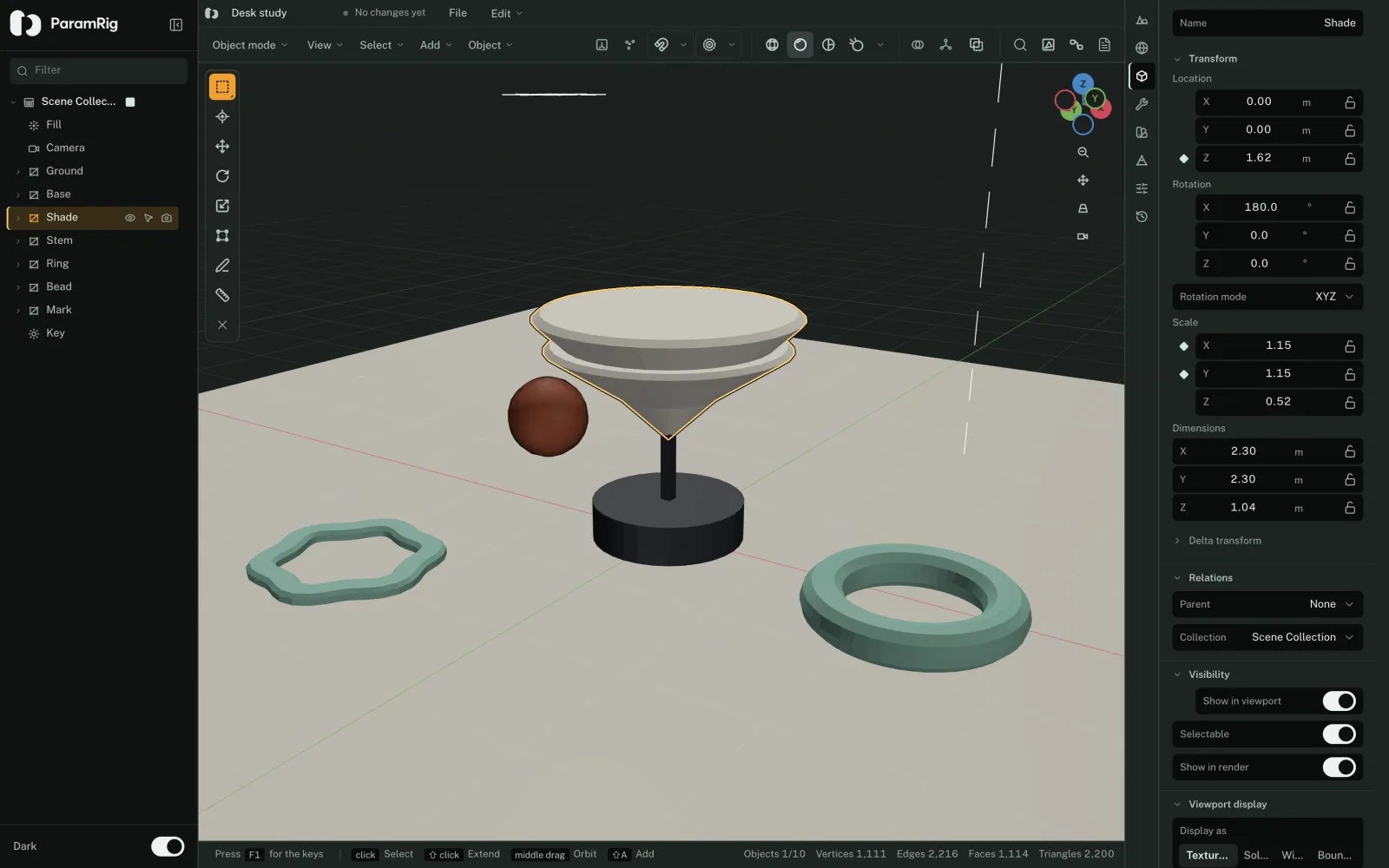
Build scenes with meshes, modifiers, materials, lights and cameras. Expose the properties that matter.
Explore 3DWeb
Tune a running website and hand your coding agent the values and comments you approved.
Explore WebOne document, with room to explore.
A rig names the values you can change and the properties they drive. Edit the document, tune its controls, then save the result. Drawing and layout share Vector; audio and 3D keep their own engines.
How a rig works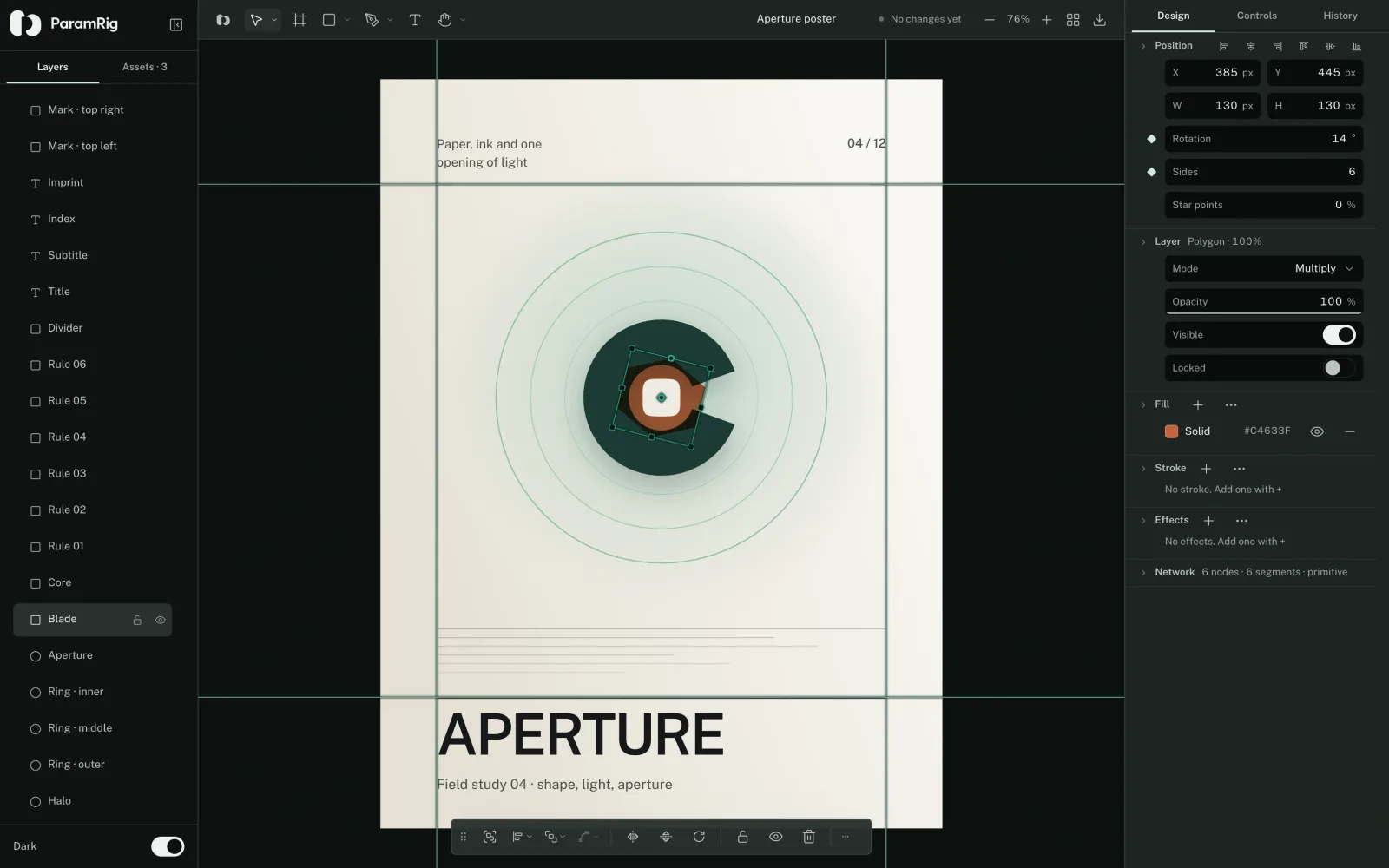
Give your agent the value you kept.
Ask your coding agent to expose meaningful properties as a rig. You make the visual or sonic decision by turning a control. The values you keep are concrete inputs it can use.
For a connected website, the Web workflow adds an explicit handoff: approved values and comments become a batch in your project, and the agent returns its resulting revision.
Connect a running projectUse the tool. Or use its engine.
Open a focused workspace.
Use Sound, Vector, 3D or Web directly in the browser. Your existing documents stay in the same application and browser storage.
Install the package you need.
Audio does not install React or Three.js. Vector and Scene are separate packages. React controls are optional, and full editors belong to the application.
Choose a packageBuild a smaller application.
Select the domains at build time for an Audio, Vector, Scene or Web distribution, or combine them in the full suite.
Build your distributionKeep a portable copy.
No account or cloud sync is required. Export your projects and resources to keep them outside browser storage.
Understand local dataChoose your starting point.
Open an example, turn a control, and keep the result.