
Two editors, and the document carries its own controls.

ParamRig is not only a panel bolted to someone else’s renderer. It ships two editors, and in both of them any property can be exposed as a control that a person turns and an agent reads back.

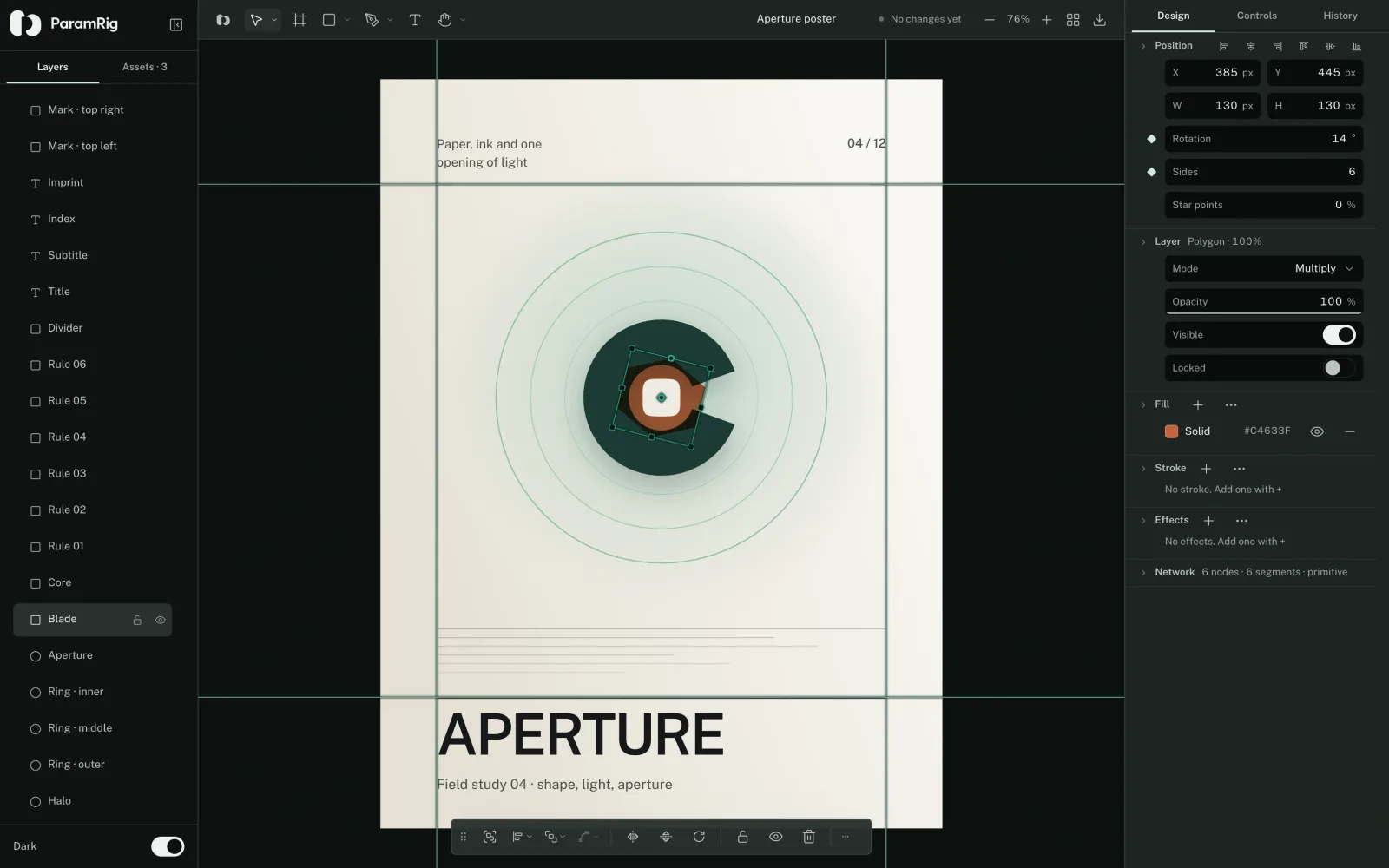
The ParamRig vector editor with a poster open: twenty-one named layers, a grouped toolbar, a selected polygon with its node handles, and a full inspector

Vector

Layers, frames, a pen with real node editing, boolean geometry, brushes and patterns, text on a path, gradient and mesh fills, guides and rulers, sRGB or Display P3.

  • 21 layers in the shipped poster
  • 6 tool slots
  • SVG, PDF, PNG
Open the Vector editor
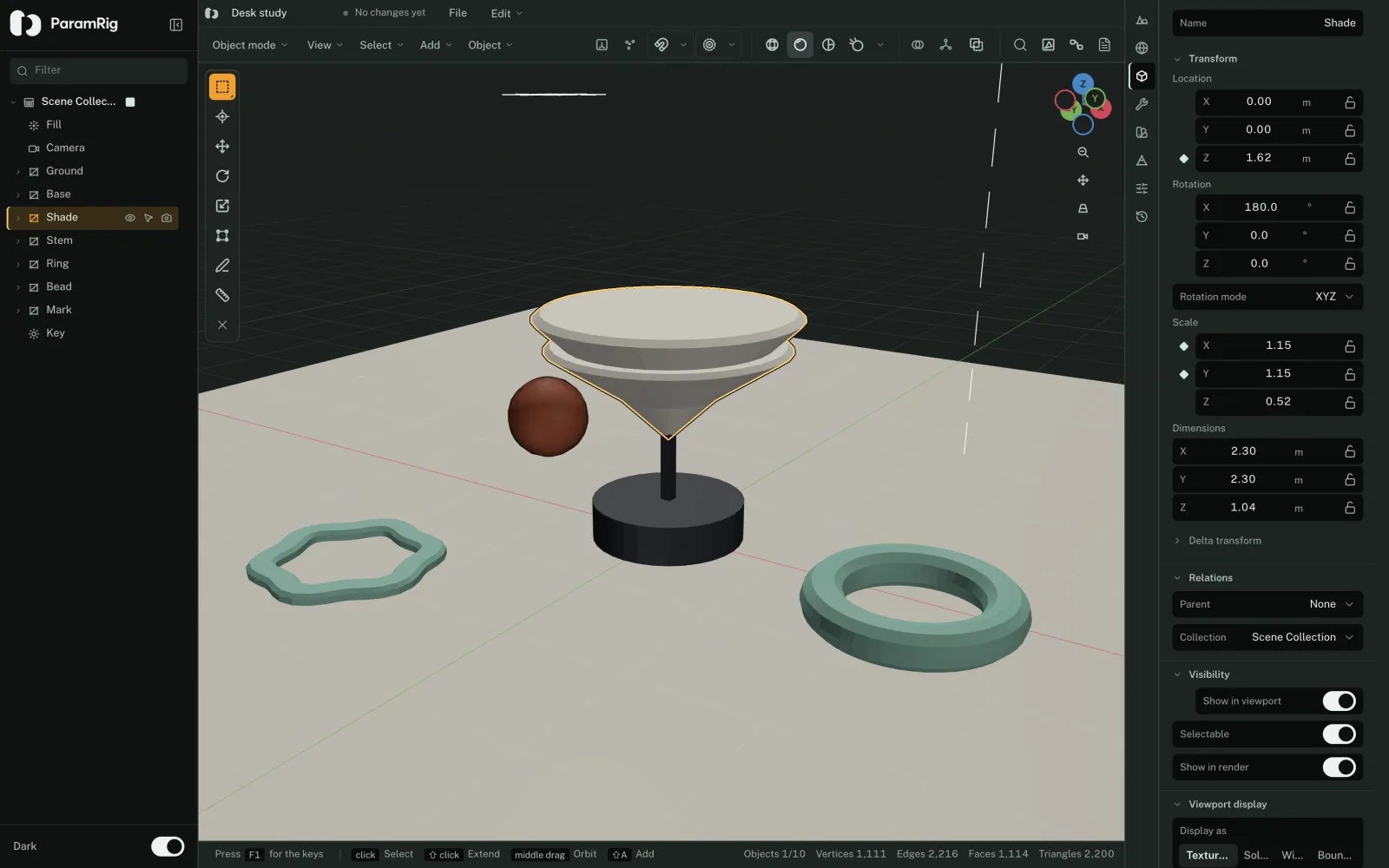
The ParamRig 3D editor with a desk study open: an outliner naming ten objects, a viewport holding a lamp, a ring and a bead, and a status bar counting vertices

3D

An outliner, object and edit modes, modal transforms on the keyboard, a modifier stack, mesh editing with UVs and shape keys, curves and text, materials, lights and cameras.

  • 16 modifiers
  • 8 property tabs
  • glTF, OBJ, STL
Open the 3D editor

Any property can become a control.

A binding names an element and one of its properties: a fill color, a stroke width, a node position, a transform channel, a modifier parameter, a light or a camera.

Editing writes to the document. Tuning writes to the parameters, and the canvas draws the resolved result. The same file answers both, so a drawing that started as geometry ends up with knobs on it.

In a drawing

Plain element keys, plus fills[i].color, strokes[i].width, effects[i] and network.nodes[id].x. A path the parser does not recognise is refused, never guessed.

Binding a drawing

In a scene

transform.*, visible, modifiers[id].param, mesh.vertices[i].axis, light.* and camera.* on an object, and materials[id].field and world.* on the document.

Binding a scene

Both ship with an example that already carries a rig.

So you can see the binding before you write one.

See the examples