

Editors 3D
A 3D editor, and the scene keeps its controls.
An outliner, object and edit modes, modal transforms on the keyboard, a modifier stack, mesh editing with UVs and shape keys, curves and text, materials, lights and cameras, and glTF, OBJ or STL in and out.
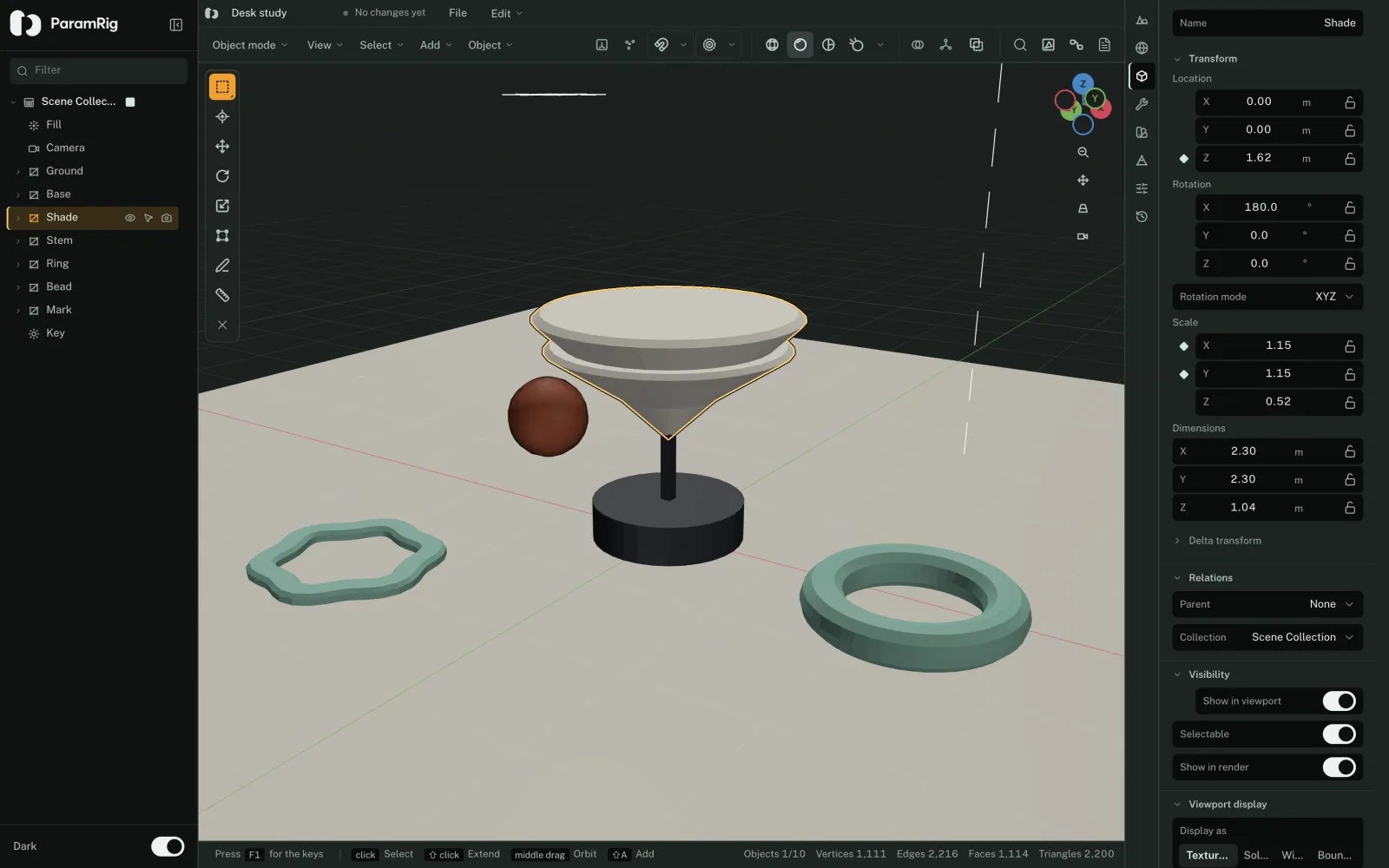
What it holds.
Object mode
An outliner with collections, modal transforms on the keyboard, gizmos, snapping, a 3D cursor, pie menus and a navigation gizmo.
Edit mode
Vertices, edges and faces. Extrude, inset, bevel, loop cut, knife, bisect, bridge, spin, hull, merge, split and symmetry.
Meshes
Polygons with stable vertex and face ids, so a selection survives an edit that renumbers everything around it. Normals, UVs and shape keys.
Curves and text
Bézier curves and paths, text objects with extrude and bevel, and a control that can drive the words themselves.
Materials and light
Base color, metallic, roughness, emission, alpha and transmission, a shader editor, point, sun, spot and area lights, and cameras.
Files
glTF, OBJ and STL in and out. A scene saved to disk is a .paramrig.json the library accepts when it is dropped on it.
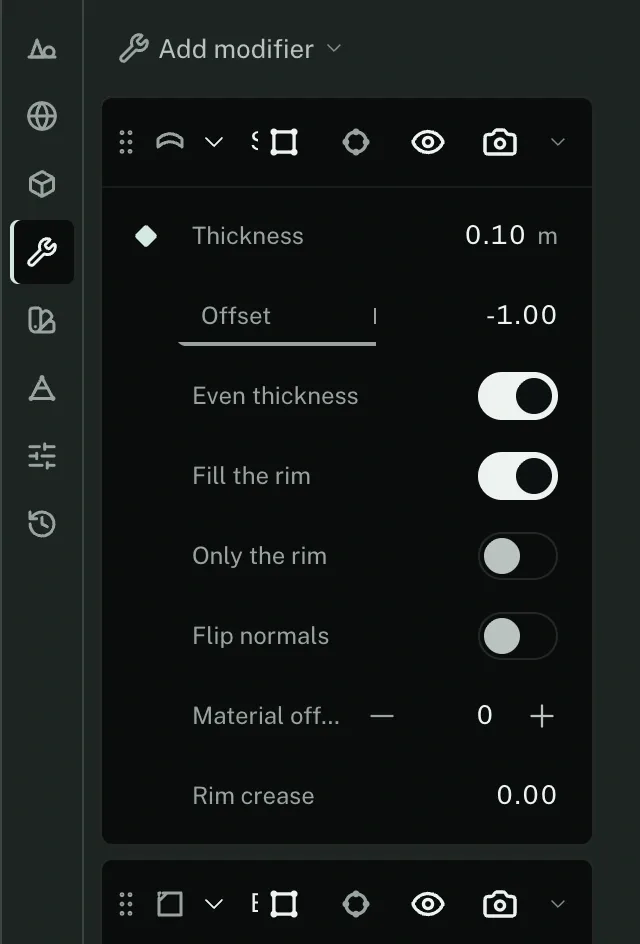
Sixteen modifiers, eight property tabs.
- Array
- Bevel
- Boolean
- Decimate
- Edge split
- Mirror
- Screw
- Solidify
- Subdivision surface
- Triangulate
- Weld
- Wireframe
- Cast
- Displace
- Simple deform
- Smooth
A modifier hands its own bounds to the control that drives it, so a slider on Thickness cannot leave the range Solidify will take. That is the difference between a control on a scene and a slider wired to a number.
- Scene
- World
- Object
- Modifiers
- Material
- Data
- Controls
- History
One viewport across both modes.
A single WebGL context survives the switch between Edit and Tune. React unmounts the old tree before mounting the new one, so the viewport is kept by document id instead of being rebuilt.
Toggling modes therefore costs nothing: no reload, no lost camera, no second context.
What it leaves out, on purpose.
- Armatures and skinning, grease pencil, a video sequencer, physics, Python and a path tracer are out of scope. They are not queued.
- Two object-mode chords have no operator behind them: Link / Transfer Data, and Make Single User, which the command palette runs but no key does.
- Rendering is the viewport's own solid and material shading. There is no offline renderer.
- Export writes glTF, OBJ or STL. It does not write back into your source.
The vector editor is the same idea, flat.
Layers, a pen with real node editing, boolean geometry, and the same diamond beside a bound property.